Menu photography that matches, dish after dish.
Photograph each dish once on your kitchen pass, then get polished menu shots with consistent lighting and backgrounds — no food photographer, no re-shoots.
No scheduling. Your photos stay on your device until you generate.
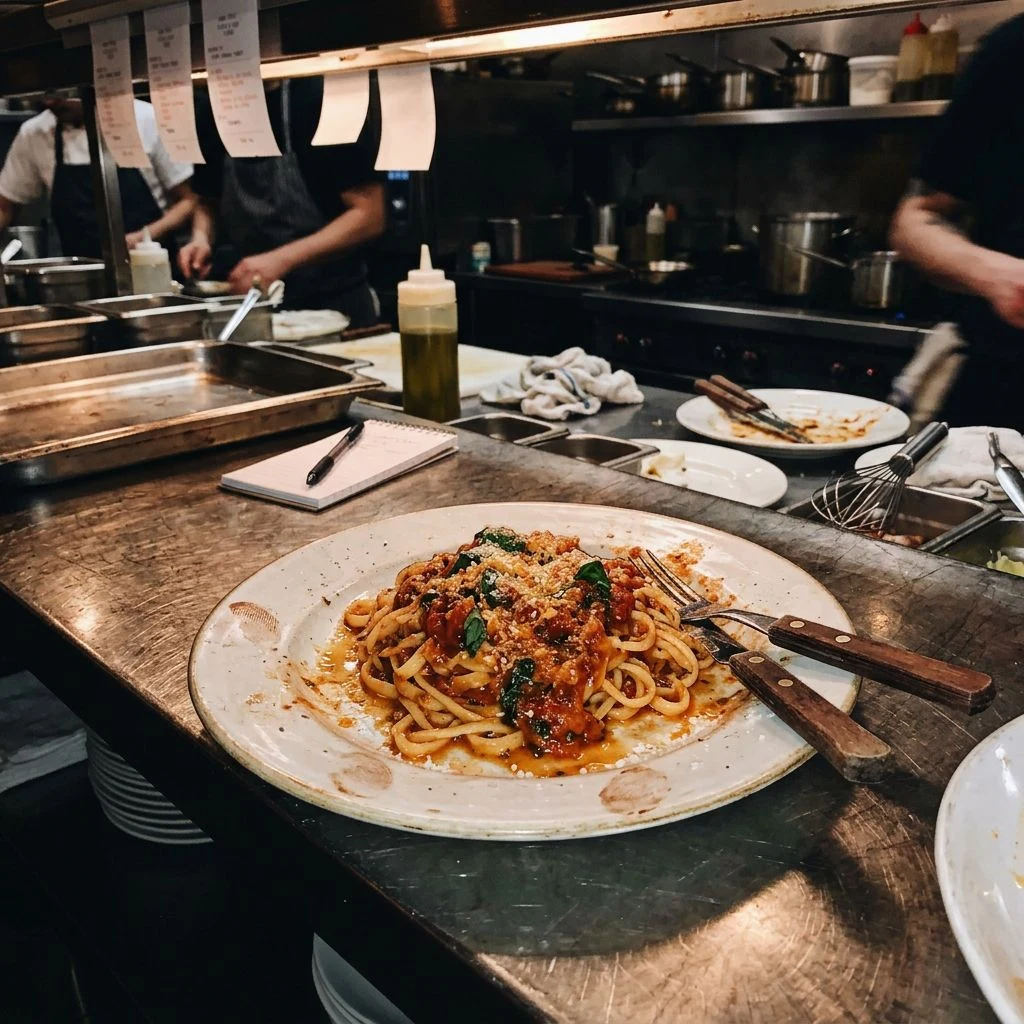 Your snapshot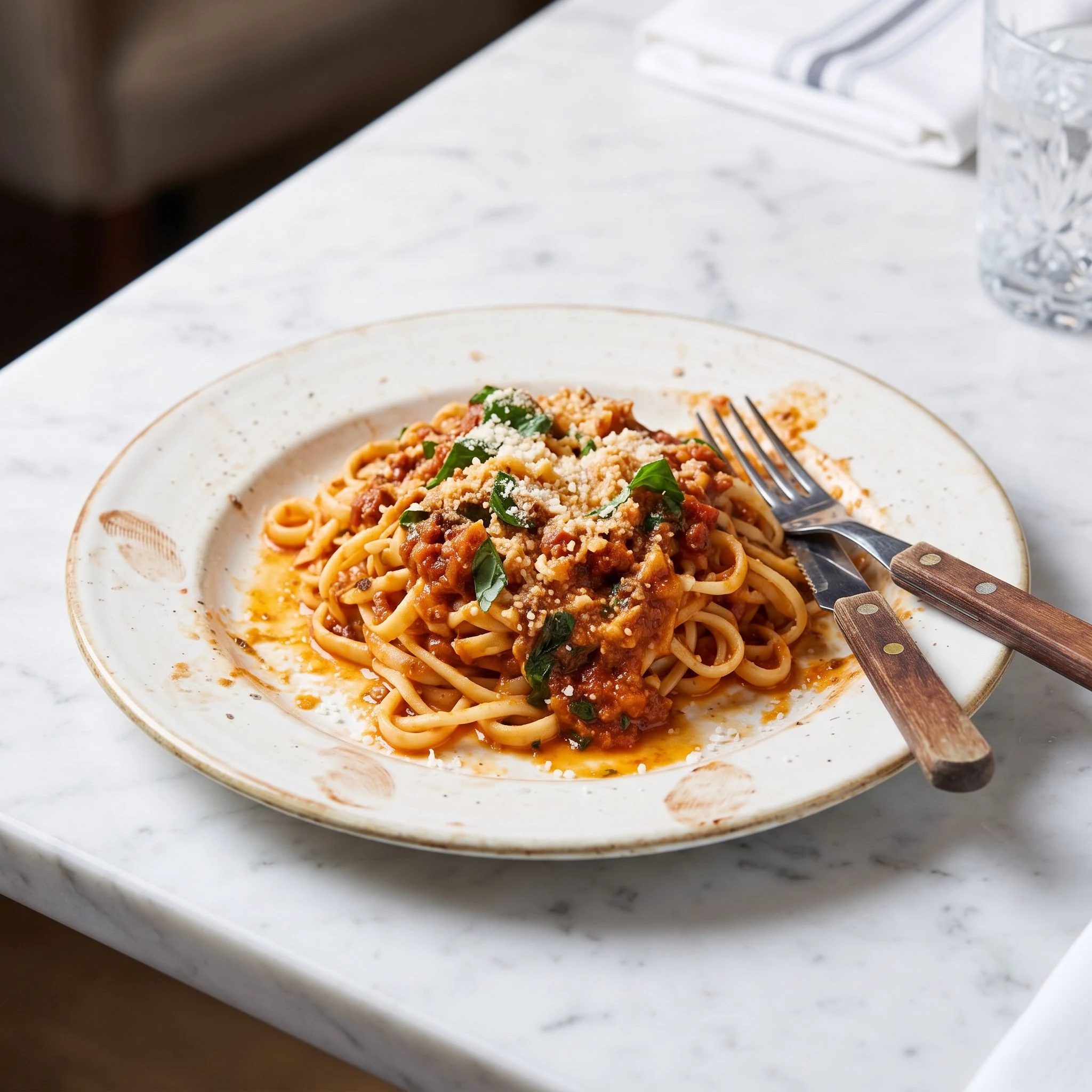
Real Frameworthy output — same menu shot, professional finish.
Create yours now
Upload a photo, choose a look, and generate — your first one is free.
Step 1
Upload your dish photos
Upload each shot you want — the dish, a close-up, a table setting. We'll generate one photo per upload, all in the same style. Plating stays exactly as you arranged it.
Step 2
Choose a surface & mood
Step 3
Choose an angle
Step 4
Choose resolution
Step 5
Choose aspect ratio
Why it matters
A menu is a set — one off-looking photo breaks the whole page.
Dishes photographed on different days, under different lights, look like they came from different restaurants. Matching backgrounds and lighting across every item makes your menu feel like one professional shoot — at a fraction of the cost.
Create my menu shots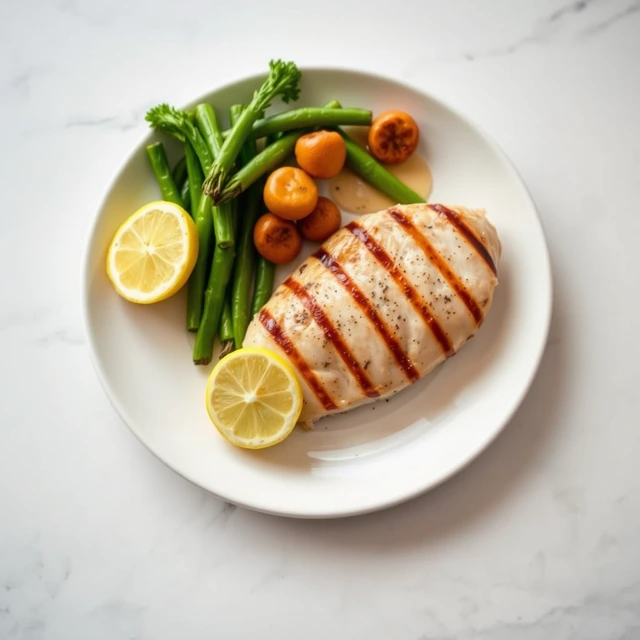
Consistent by construction
Pick one background and angle, then apply it to every dish so the whole menu reads as a single shoot.
Your plating stays yours
Generation preserves each dish's exact arrangement, garnish, and portion — only the setting improves.
Ready for print and screens
Download in 2K or 4K for menus, delivery apps, QR pages, and social posts.
Three steps to your menu shots
Photograph your dishes
Natural light near a window works well — upload as many dishes or angles as you need.
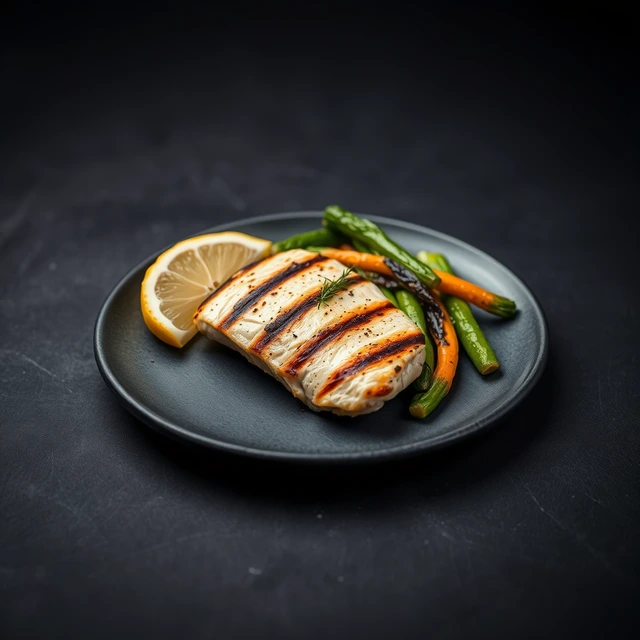
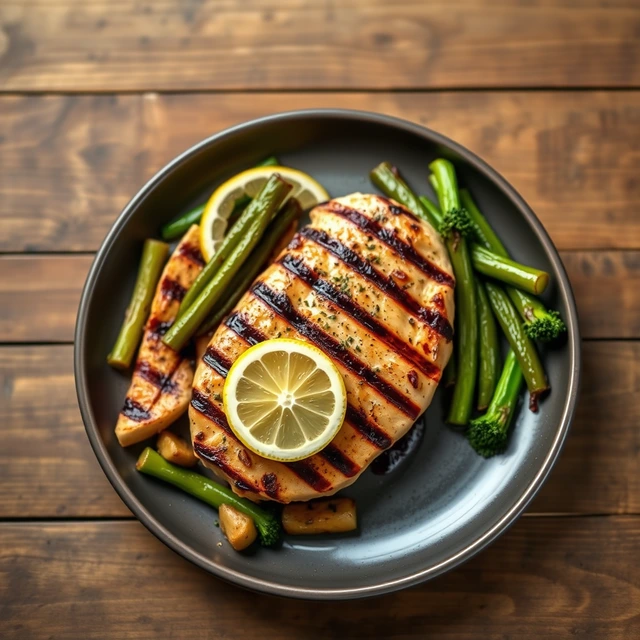
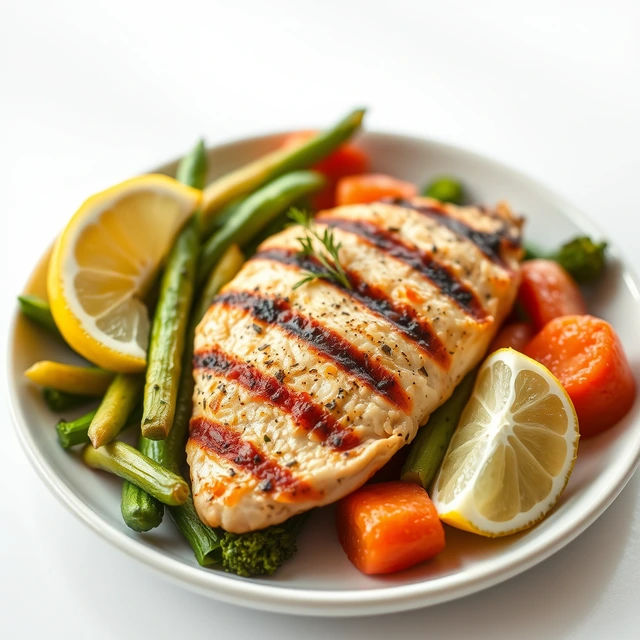
Match the set
Choose the same background and angle for every dish to keep the menu uniform.
Generate and drop in
Get clean menu-ready shots in minutes and place them straight into your menu layout.
How does AI food photography work for restaurants?
Professional menu photography used to mean hiring a food photographer for a full-day shoot — expensive, time-consuming, and impossible to update when your menu changes. AI food photography gives you consistent, professional dish photos from your phone, at a fraction of the cost. Upload each dish once, pick a background, and generate menu-ready shots in minutes.
Can I use AI photos for DoorDash and Uber Eats?
DoorDash, Uber Eats, and Grubhub all reward clear, well-lit dish photos with higher placement and more orders. Generate square, menu-compliant photos that make your dishes pop on crowded delivery app screens — no photographer, no studio, no scheduling.
How do I keep my menu photos consistent?
The biggest challenge in menu photography isn't getting one great shot — it's getting fifty that match. Different days, different lighting, different plating styles make menus look disjointed. AI generation applies the same background, lighting, and angle to every dish, so your menu reads as one professional shoot.
Simple credit packs
1 credit = 1 menu shot. Buy what you need — credits never expire.
Starter
$12
- 25 menu shots
- Every style & option for your niche
- 2K & 4K downloads
- Credits never expire
Popular
$29
- 80 menu shots
- Best value per photo
- Every style & option for your niche
- 2K & 4K downloads
- Credits never expire
Pro
$59
- 200 menu shots
- Lowest price per photo
- Every style & option for your niche
- 2K & 4K downloads
- Credits never expire
Frequently asked questions
Will my dishes still look like my dishes?
Yes — the generation preserves each dish's exact plating, arrangement, garnish, and colors. Only the background and lighting change.
How do I keep every menu item looking consistent?
Use the same background and angle choice for every dish. That's what keeps a menu reading as one professional shoot.
What resolution do I need for printing?
4K downloads handle typical menu print sizes; 2K is ideal for delivery apps, websites, and QR menus.
Can I use these on DoorDash or Uber Eats?
Yes — the shots are standard square images sized for delivery platforms and online menus.
Do credits expire?
No. Buy a credit pack and generate whenever you need — new seasonal dishes included.
Your first menu shot is free.
Create my menu shots